
Game Development
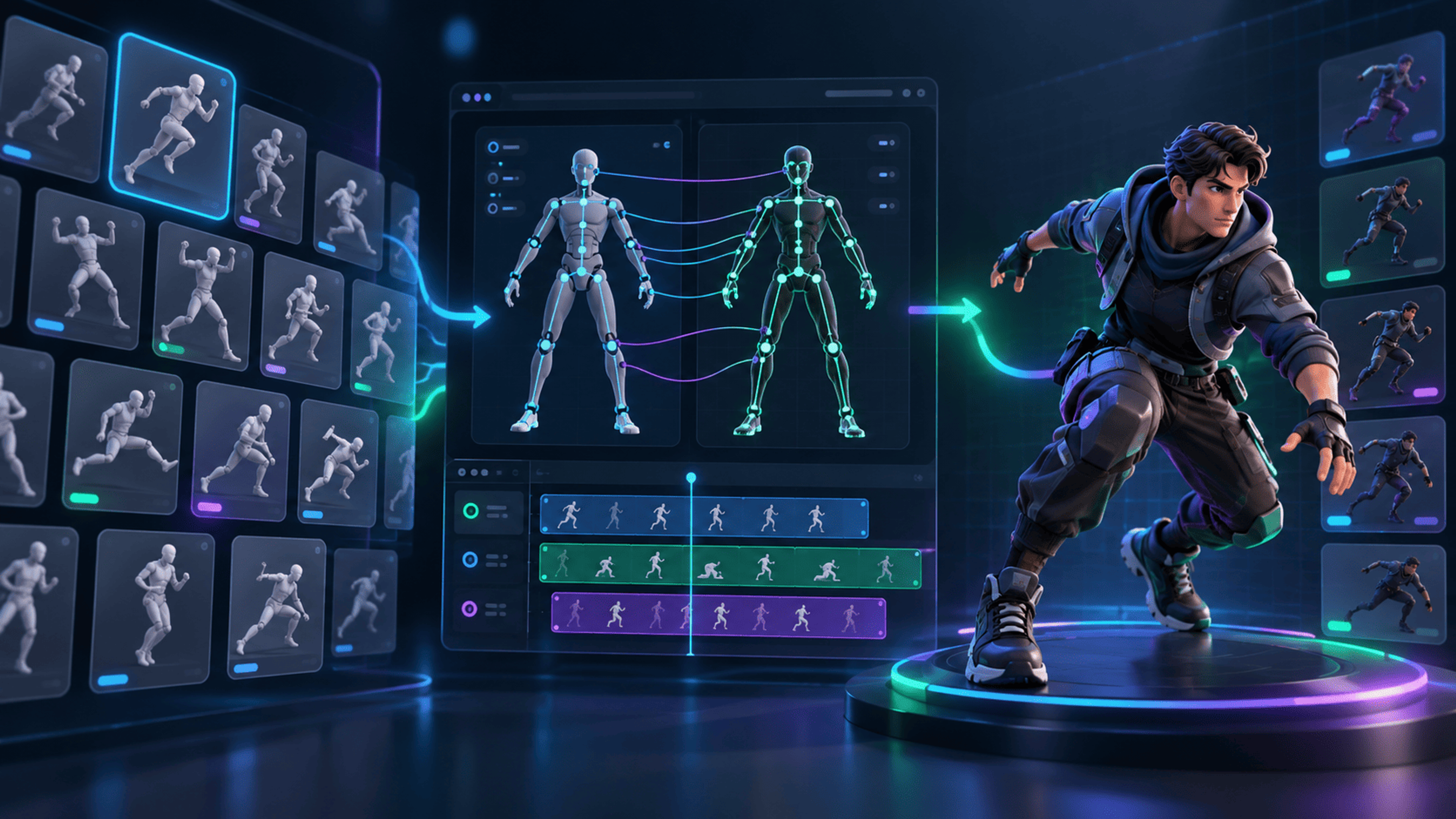
How to Retarget an Animation Pack to One 3D Character
Learn a reliable workflow for mapping multiple character motions, checking each clip, and exporting only accepted animations.
intermediate
- animation
- retargeting
- rig compatibility
Learn practical techniques for viewing, optimizing, converting, inspecting, and preparing 3D assets for your projects.
Learn a reliable workflow for mapping multiple character motions, checking each clip, and exporting only accepted animations.

A practical mesh preflight for topology defects, disconnected parts, shape fidelity, and experimental retopology review.
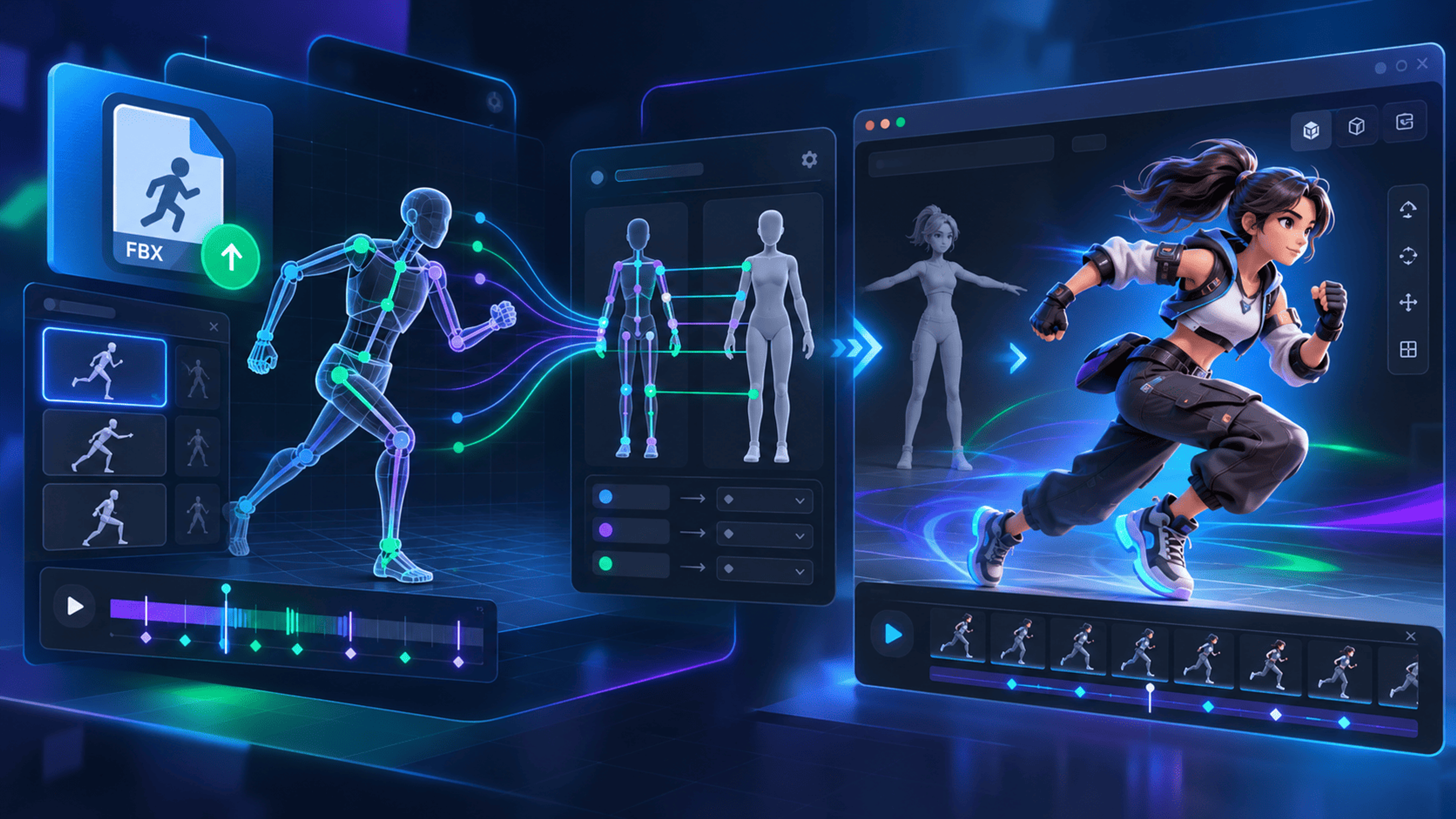
A practical workflow for importing a GLB character and FBX motion, checking rig compatibility, reviewing a retarget, and exporting a validated result.
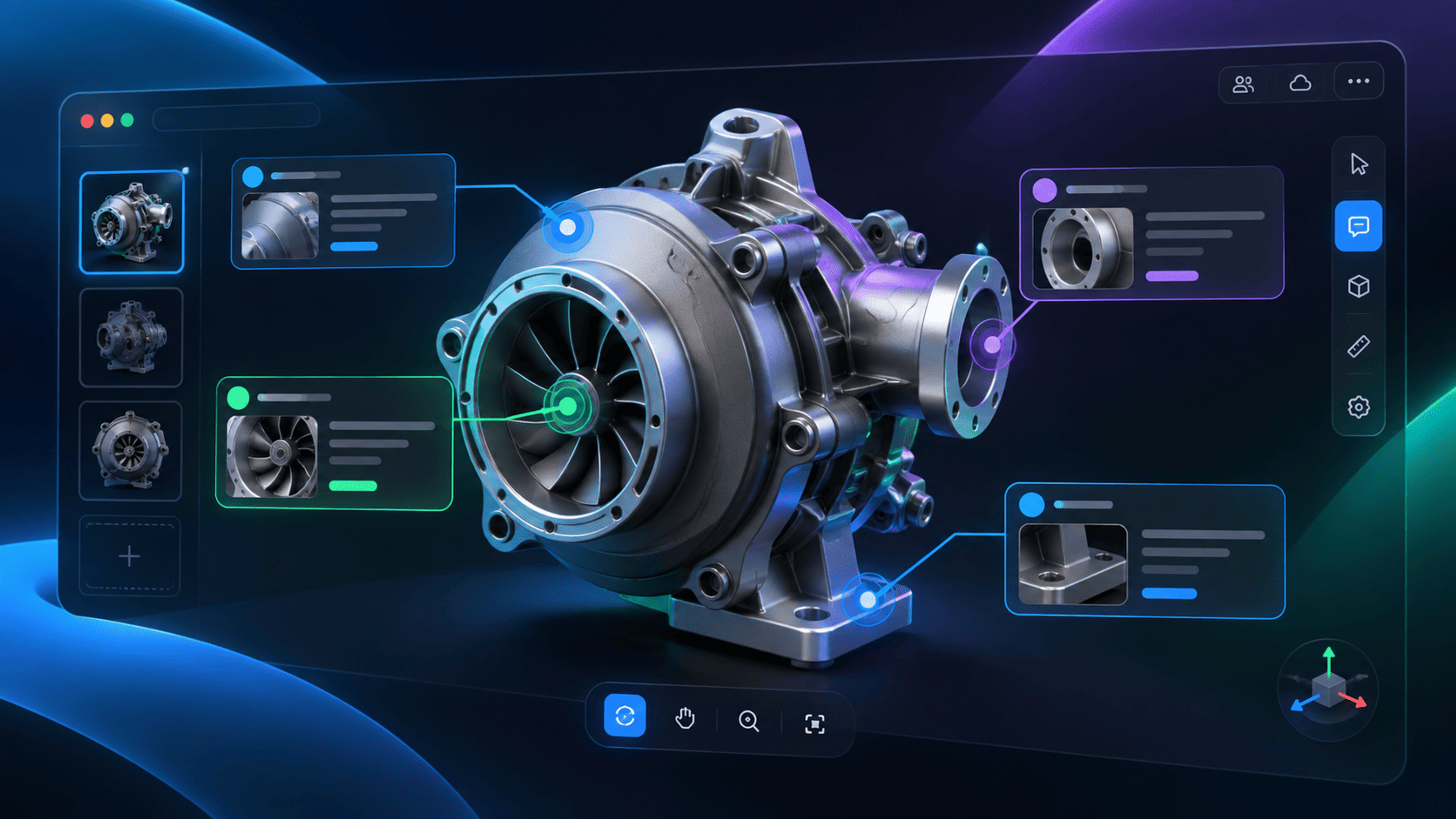
Attach useful notes to model surfaces and verify that saved annotations appear correctly in read-only public views.

Interpret model complexity and topology reports without confusing estimates or data presence with a universal quality verdict.
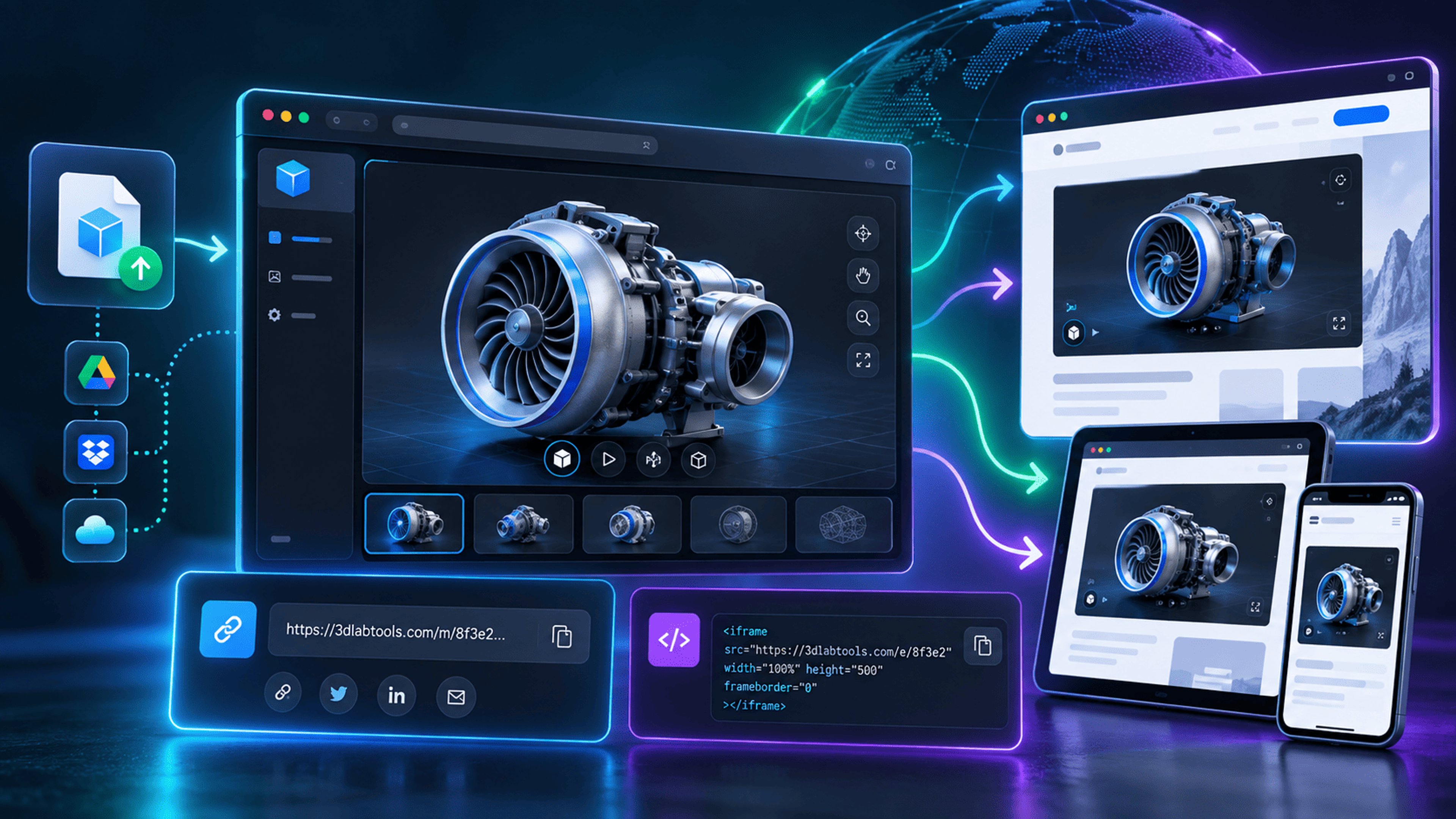
Create and test a public model link or iframe embed, then manage visibility and read-only review access.
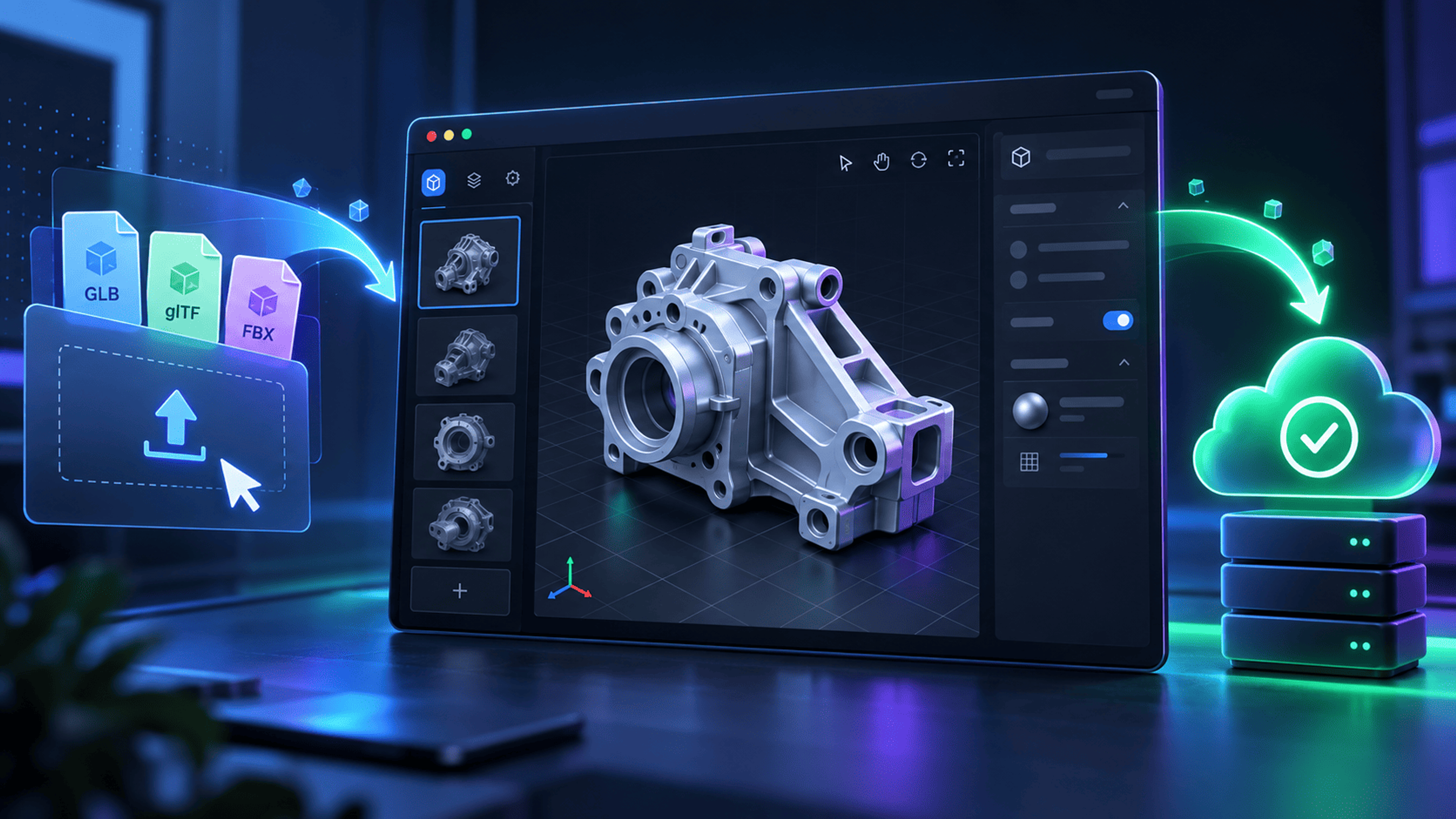
Save a prepared GLB model to your Dashboard and understand account requirements, upload limits, previews, and replacement.
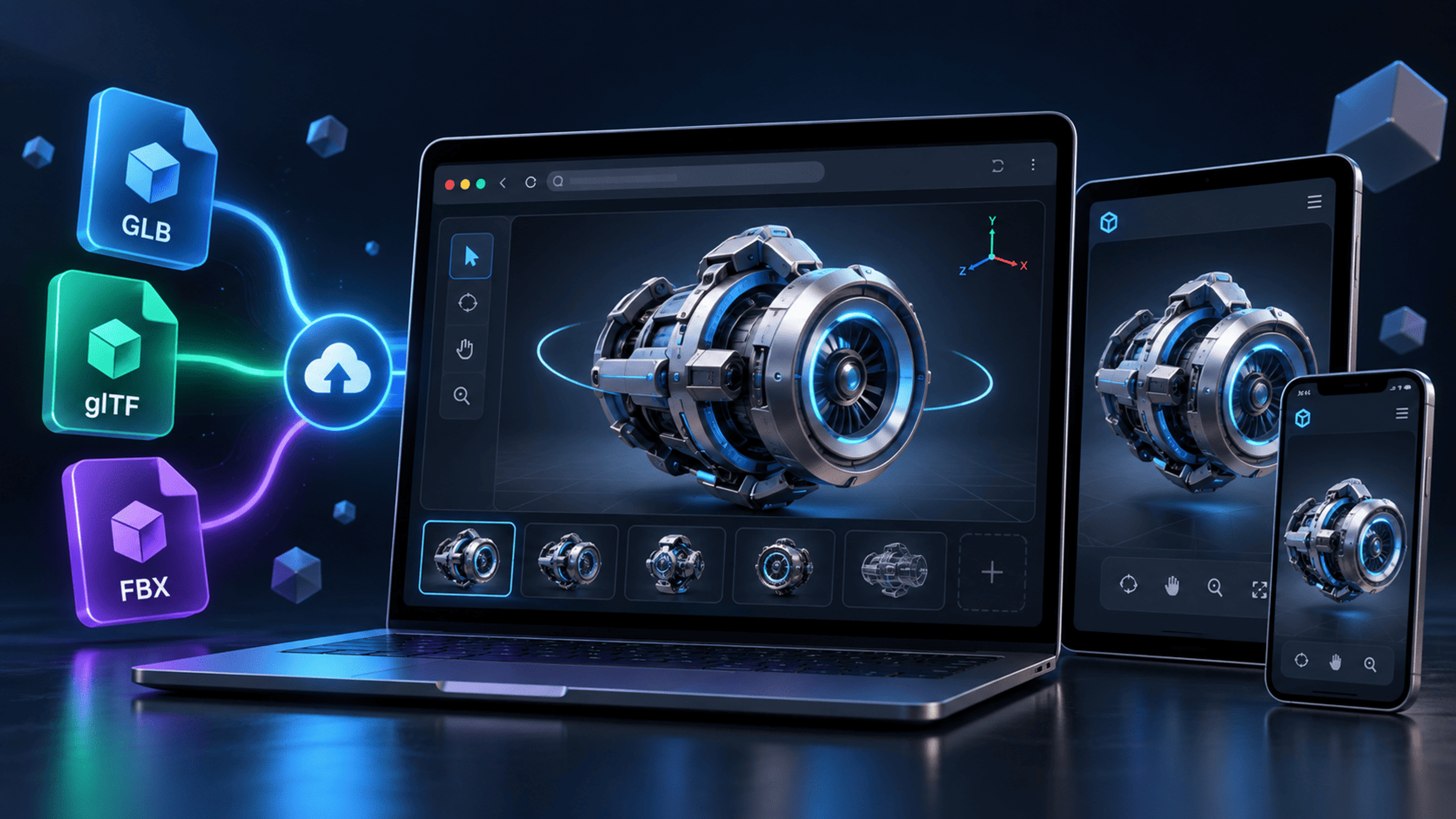
Load a model, frame the scene, and check hierarchy, dimensions, materials, textures, and imported animations.

Explore suitable scenes with keyboard navigation, a following character camera, collision safeguards, and a return to Orbit.